

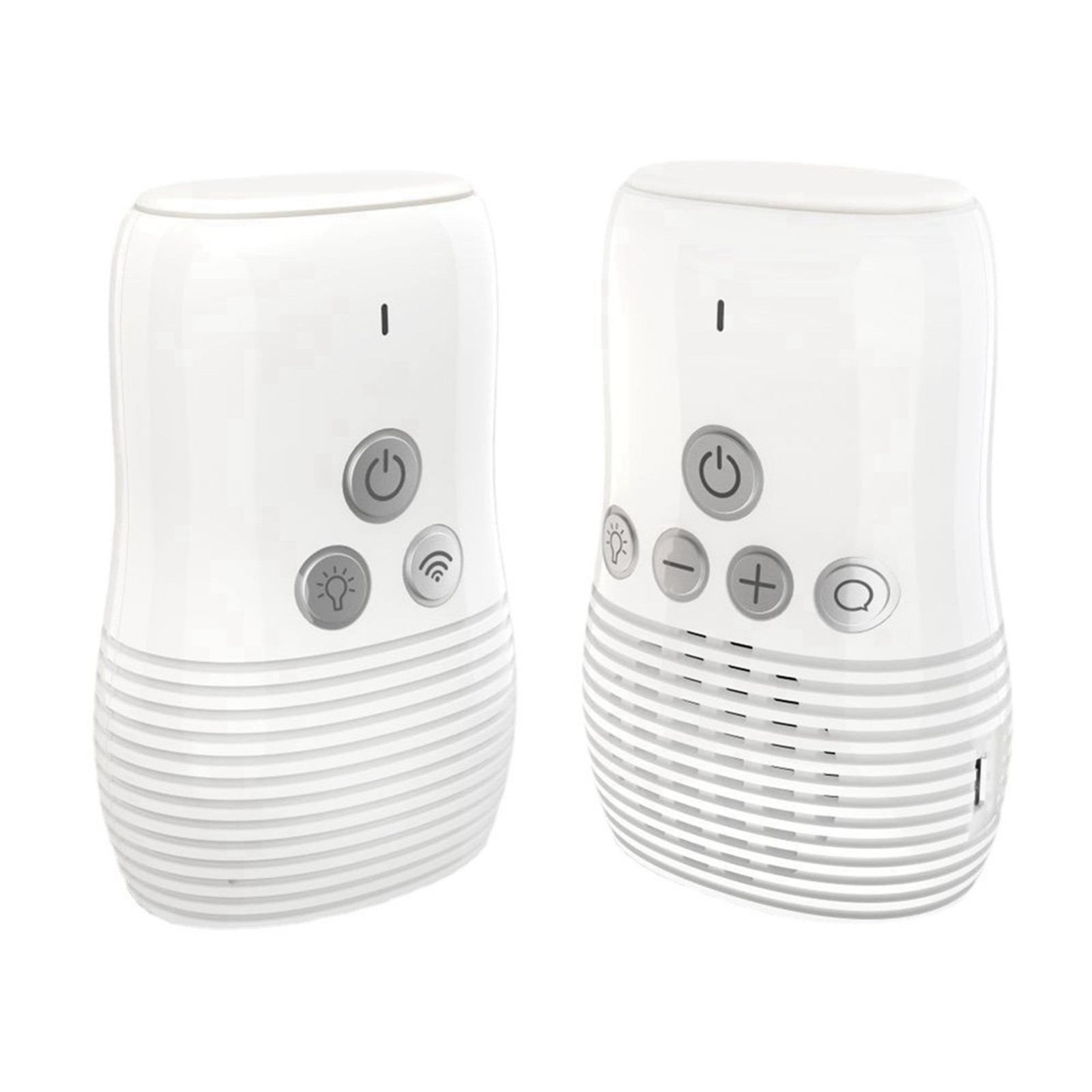
Photos from current listings. Actual item, color, and included accessories may vary.
Safety 1st High Def Monitor Buying Guide
The Safety 1st High Def Digital Monitor is a dedicated 2.4 GHz FHSS audio/video baby monitor built around a parent handset with a belt clip and a non-Wi-Fi, non-hackable RF link. The core trade-off is privacy and zero-latency simplicity versus smart-app features, remote viewing, and cloud recording found on Wi-Fi monitors. Choose it if you want a closed-loop RF monitor with a physical parent unit; skip it if you need phone alerts, cry-history logs, or multi-room app control.


At a glance
- Brand
- Not synced yet
- Model
- Not synced yet
- MPN
- Not synced yet
- Category
- Baby Monitoring & Safety
- Status
- Offers available
- Data updated
- Nov 15, 2026
Current offers
Highlights
- 2.4 GHz FHSS RF link is point-to-point and not internet-connected, so it cannot be remotely hacked like cloud Wi-Fi cameras.
- Parent handset includes a belt clip for carry-around monitoring; audio-only or video+audio modes extend usable battery life.
- Dedicated hardware monitor means no phone, no app account, and no subscription; the trade-off is no remote viewing away from home.
- Model 08024 is a single-camera kit; the system supports one parent unit and one camera out of the box, so multi-room use requires a second dedicated kit.
Best use cases
- Best fit: apartment or single-nursery parents who want a private, no-subscription video/audio link with a handheld parent unit that clips to clothing during chores.
- Best fit: households with unreliable Wi-Fi or privacy concerns—the FHSS RF link works without router, internet, or cloud account.
- Wrong fit: parents who need phone push alerts, remote check-ins from work, or recorded clip history—those require a Wi-Fi/app-based monitor instead.
- Wrong fit: multi-child or multi-room monitoring—this single-camera kit does not natively expand to simultaneous multi-feed viewing without a second full kit.
Buying tips
- Confirm the box includes both the camera and the parent handset; model 08024 is a complete single-camera kit, but open-box listings sometimes split components.
- Match the monitor to your nursery layout: the camera needs a nearby outlet or stable mount, and the parent unit recharges via its dock, so plan a charging spot outside the crib zone.
- Choose RF over Wi-Fi if privacy and zero-latency audio are priorities; choose Wi-Fi instead if remote viewing, app alerts, or cloud clips are non-negotiable.
- Verify the belt clip and stand are present on the parent unit—these are the practical carry and nightstand ergonomics that separate a usable kit from a desk-bound one.
Specs
| Transmission | 2.4 GHz FHSS RF, non-Wi-Fi |
|---|---|
| Parent Unit | Handset with belt clip + charging dock |
| Camera Kit | Single camera, single parent unit |
| Smart Features | None: no app, cloud, or subscription |
Alternatives to compare

Related searches
What to check before buying
- Measure the crib-to-camera distance and confirm the camera can be placed at least 3 ft from the crib with the cord secured and out of reach.
- Check that the nursery has a free wall outlet near the camera and a second outlet near the parent-unit charging dock.
- Confirm your home does not require the monitor to integrate with a smart-home hub or phone app—this RF system is intentionally standalone.
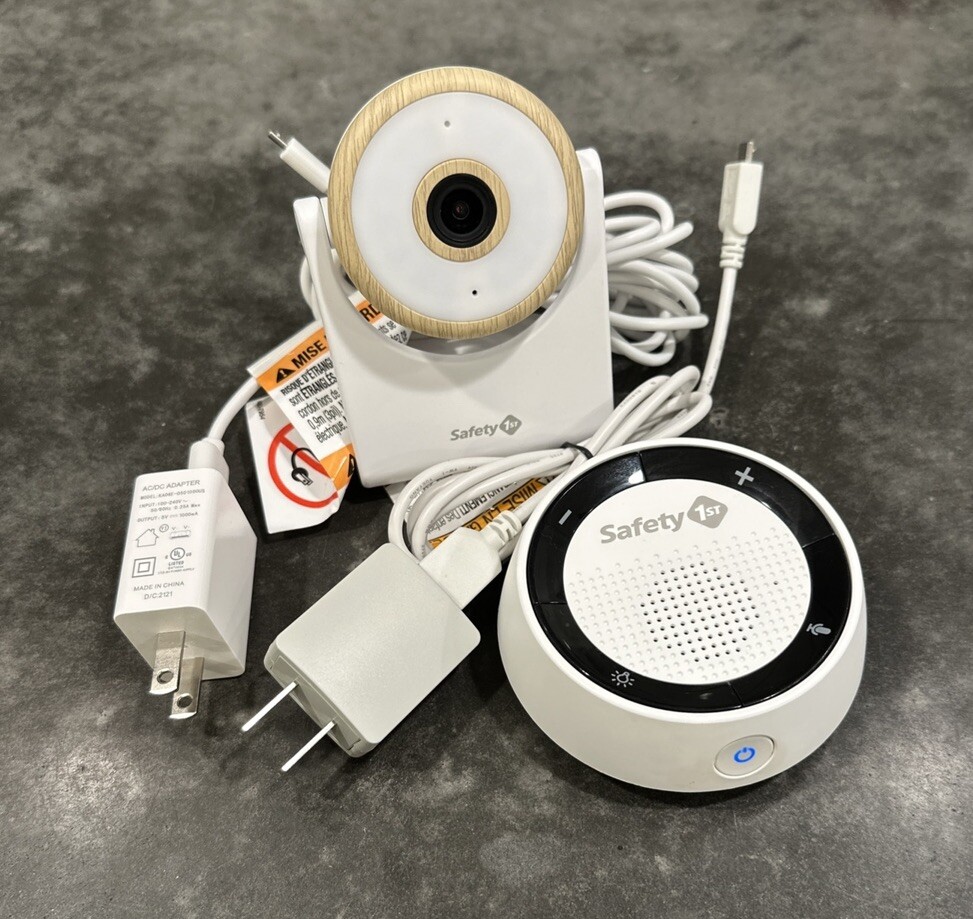
- Inspect the box contents for camera, parent handset, belt clip, stand, and both power adapters before relying on the kit.
FAQ
Data sources: eBay / Amazon listings and product attribute feeds Data updated Nov 15, 2026.
Some links on this page are affiliate links. If you buy after clicking one, we may earn a commission at no extra cost to you. This does not change which products appear here or their order. Affiliate disclosure.