
Photos from current listings. Actual item, color, and included accessories may vary.
Baby Monitor Buying Guide
A baby monitor is a dedicated audio/video link between a child's room and a parent unit, and the core trade-off is signal transport: FHSS/DSSS 2.4 GHz or 1.9 GHz DECT for private, low-latency dedicated links versus Wi-Fi for remote app access and cloud features. Buy a dedicated FHSS/DECT monitor when privacy, zero-latency audio, and no-subscription reliability matter; choose Wi-Fi only when you accept account security, internet dependency, and subscription tiers.
At a glance
- Category
- Baby Monitoring & Safety
- Last updated
- Nov 21, 2026
Current offers
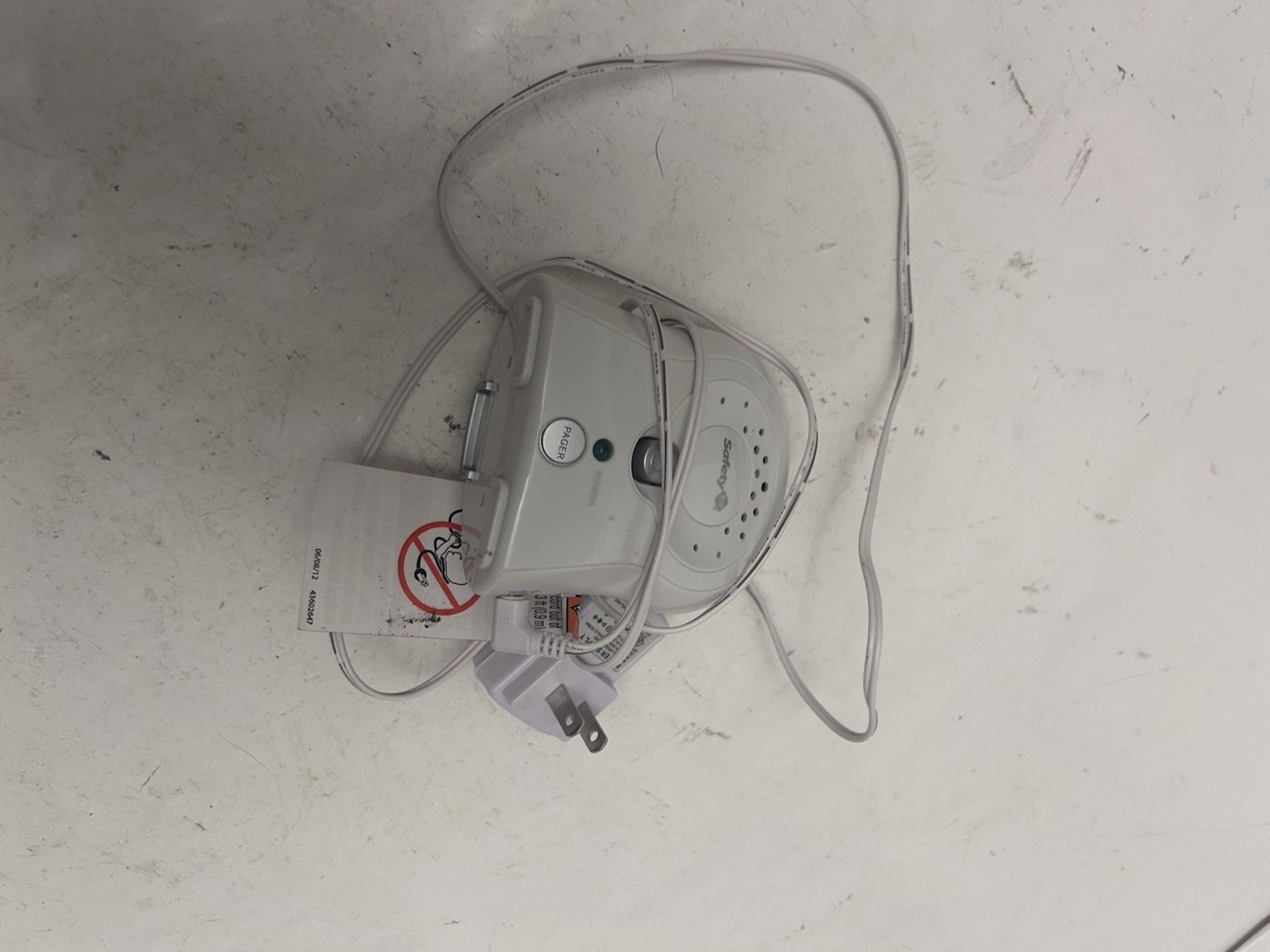 Safety 1st Baby Monitor 1 monitor only$2.00View on eBay
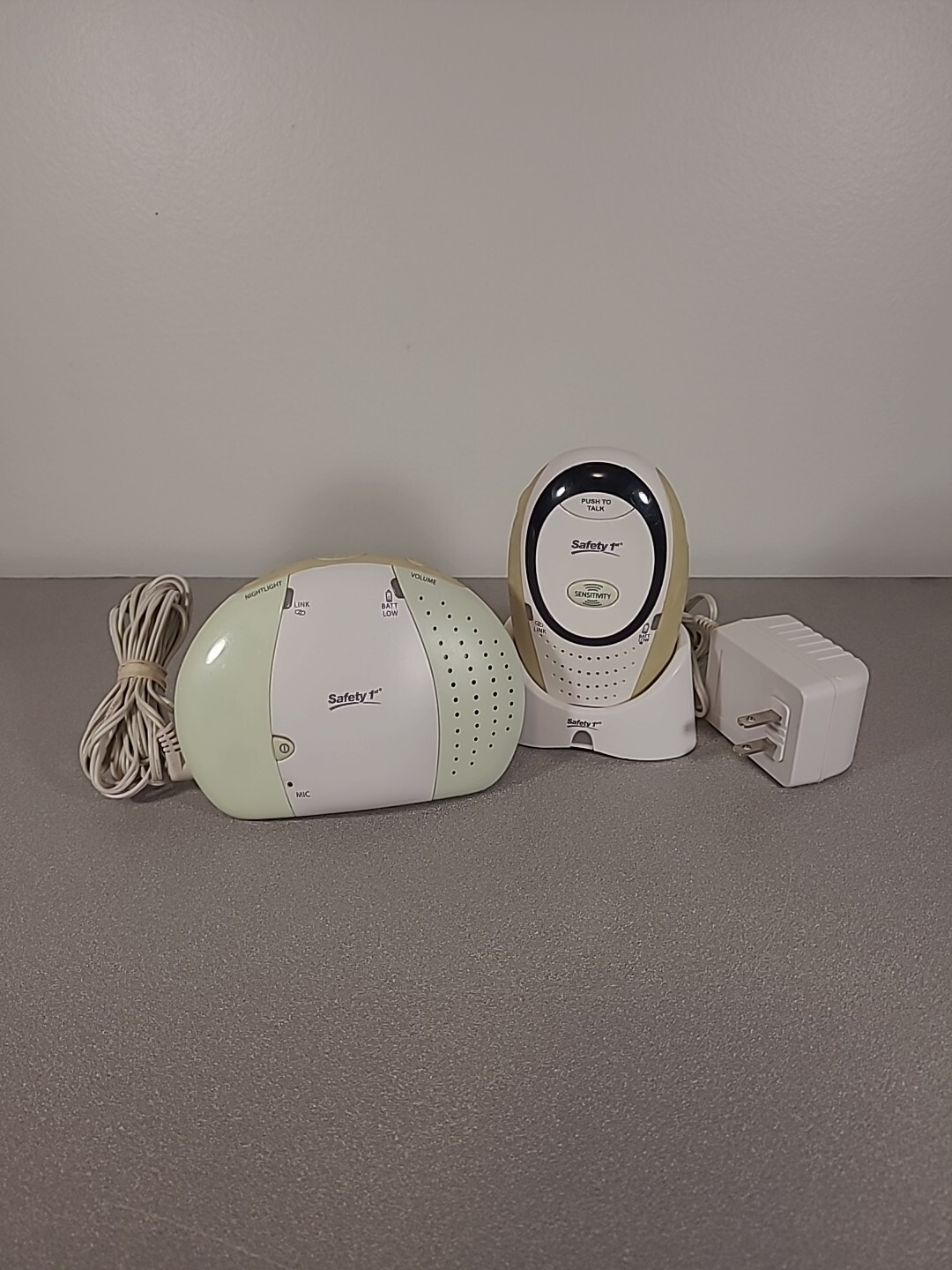 Safety 1st Baby Monitor and Walkie Bundle With Chargers Tested$3.32View on eBay
 Babysense Ip206 Camera Baby Monitor$4.99View on eBay
 Safety 1st Crystal Clear Baby Monitor 49230 & guide Ex Cond$7.50View on eBay
 Safety 1st Baby Monitor Parent And Baby Unit TESTED Ships FREE$8.99View on eBay
 Safety 1st Baby Monitor *Monitor Only*$9.50View on eBay
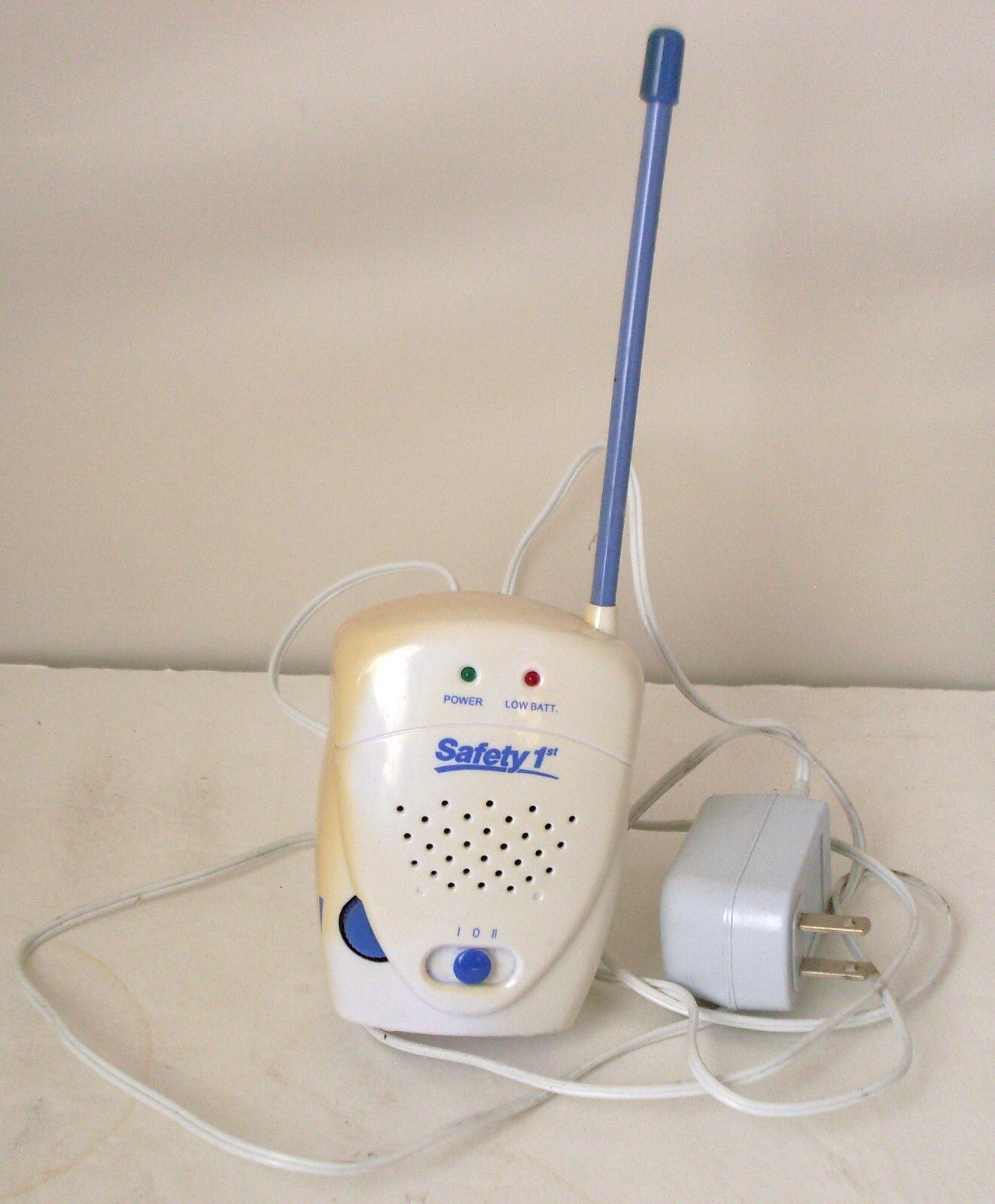 Saftey 1st Crystal Clear Baby Monitor Portable Receiver ONLY$9.99Last checked Nov 20, 2026View on eBay
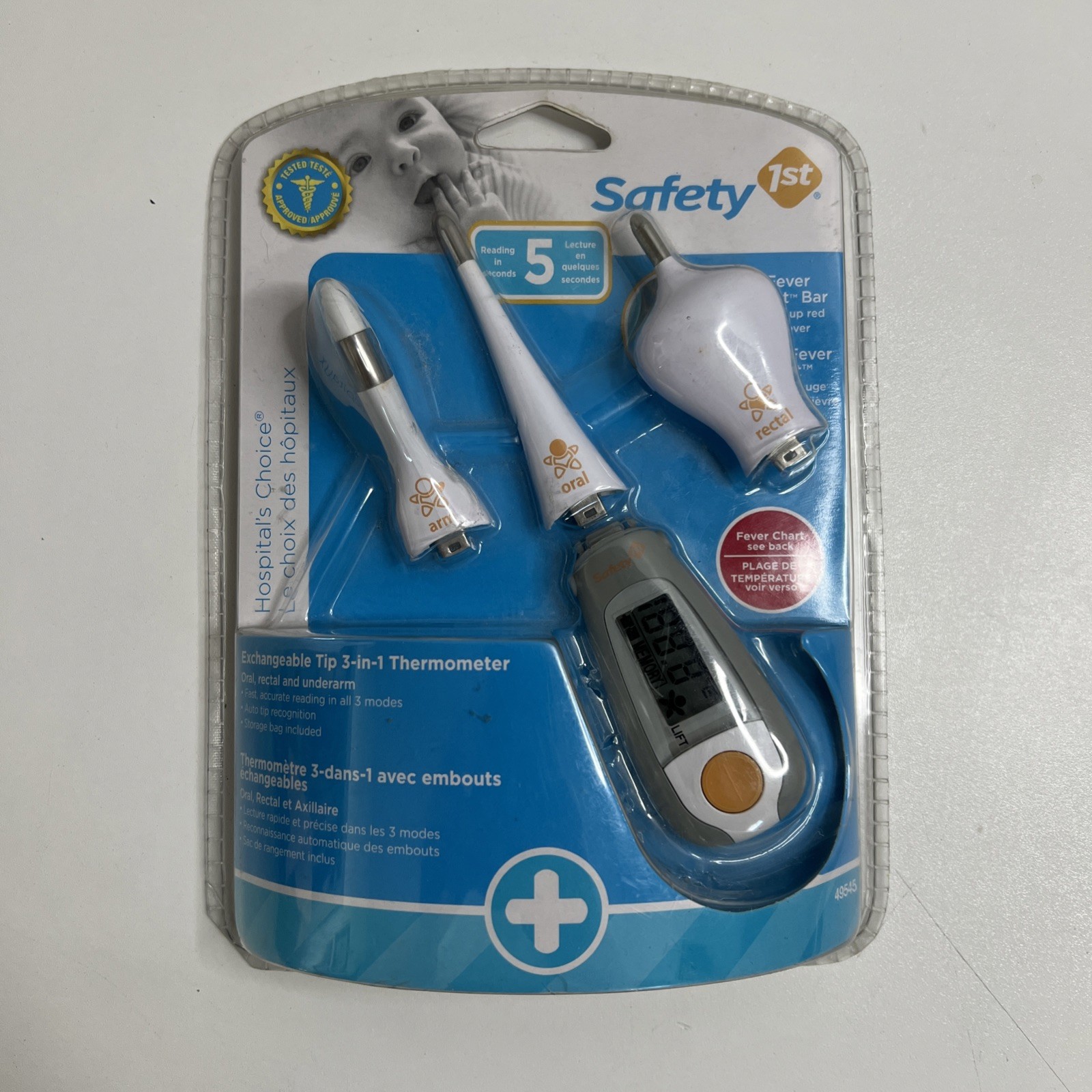 safety 1st baby monitor 3 in 1 Thermometer$9.99Last checked Nov 20, 2026View on eBay
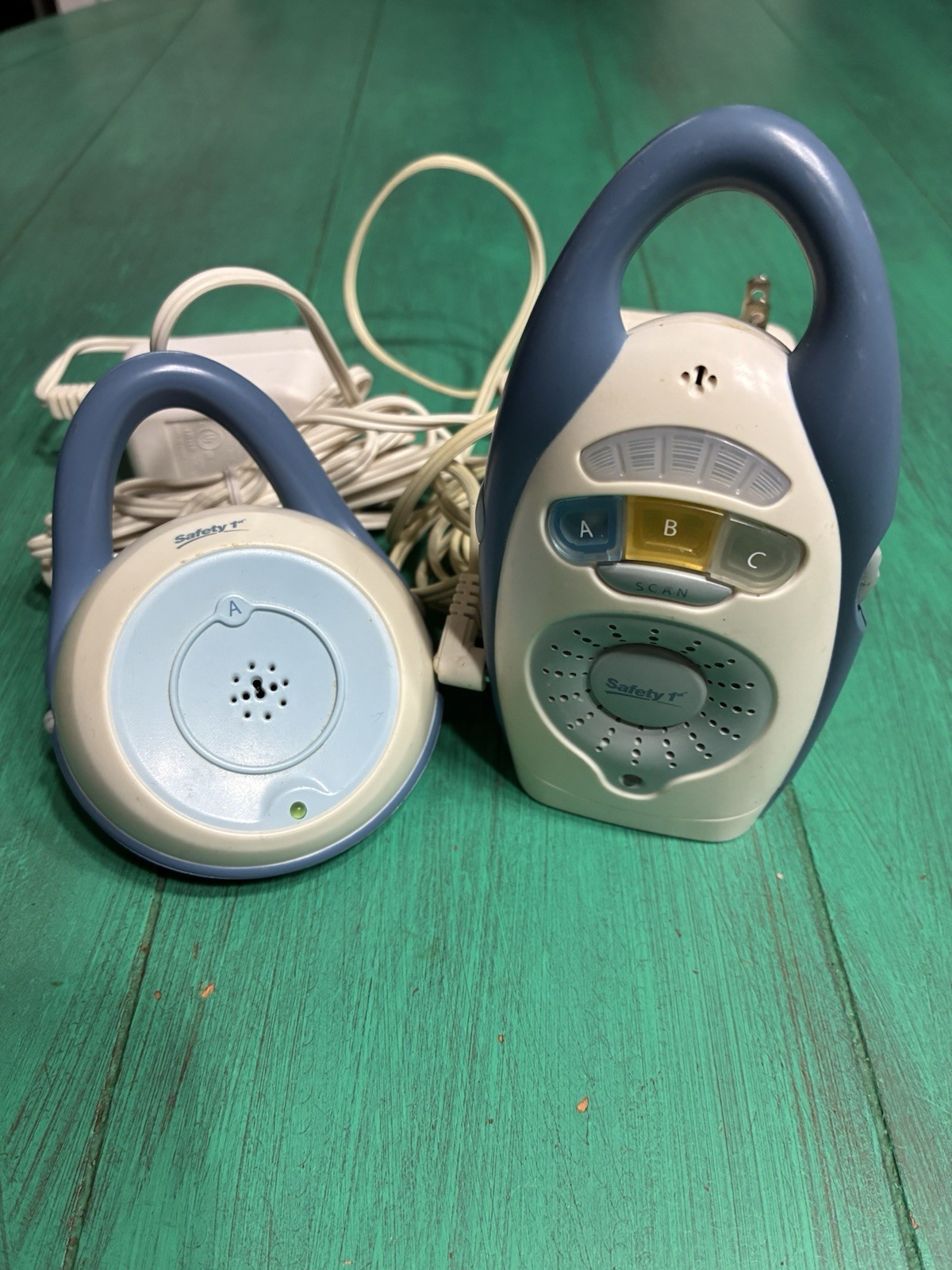 Safety 1st Baby Monitor 2003$9.99Last checked Nov 19, 2026View on eBay
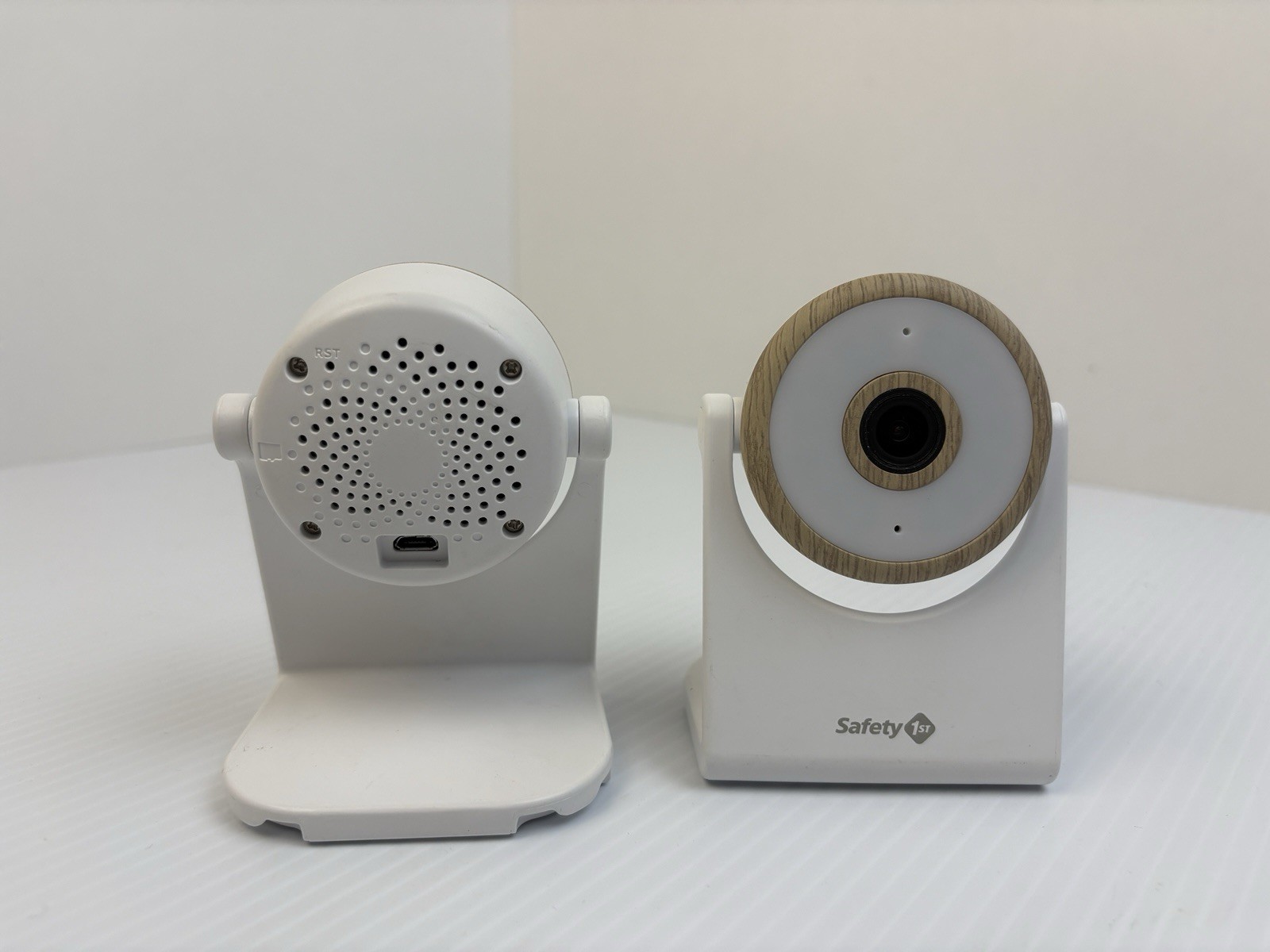 Two Safety 1st MO175 Wi-Fi Baby Monitor 1080p HD Natural/White App Supported$10.00Last checked Nov 19, 2026View on eBay
 Safety 1st: Portable Baby Monitor: Walkie Talkie Style- Great Condition$10.00View on eBay
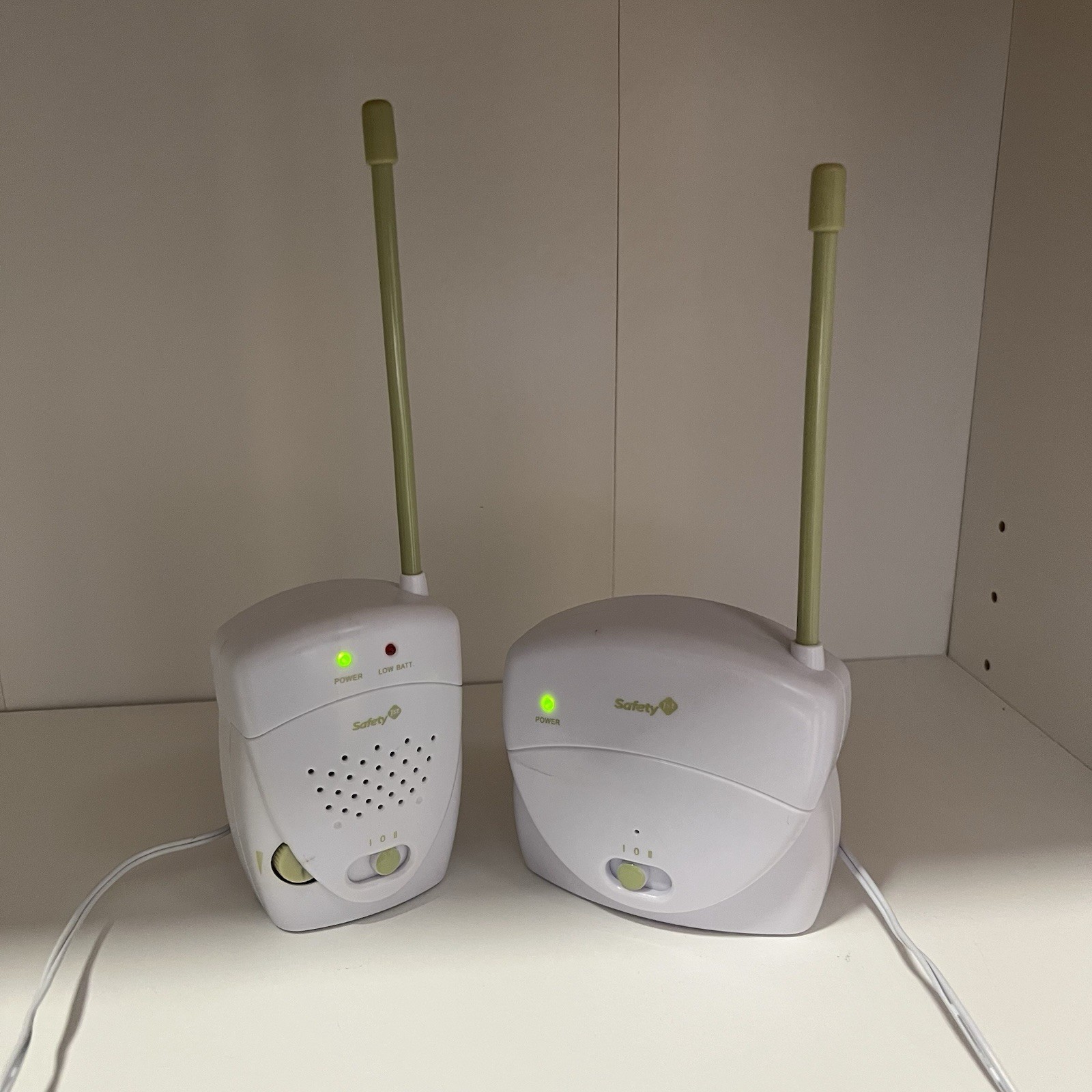 Safety First Audio Baby Monitor - Receiver works when plugged in$11.75View on eBay
 Safety first portable baby monitor and receiver with a belt clip and power cords$12.00View on eBay
 SAFETY 1ST FIRST SAFE GLOW 1 RECEIVER ONLY 0703MN Baby Monitor works$12.14View on eBay
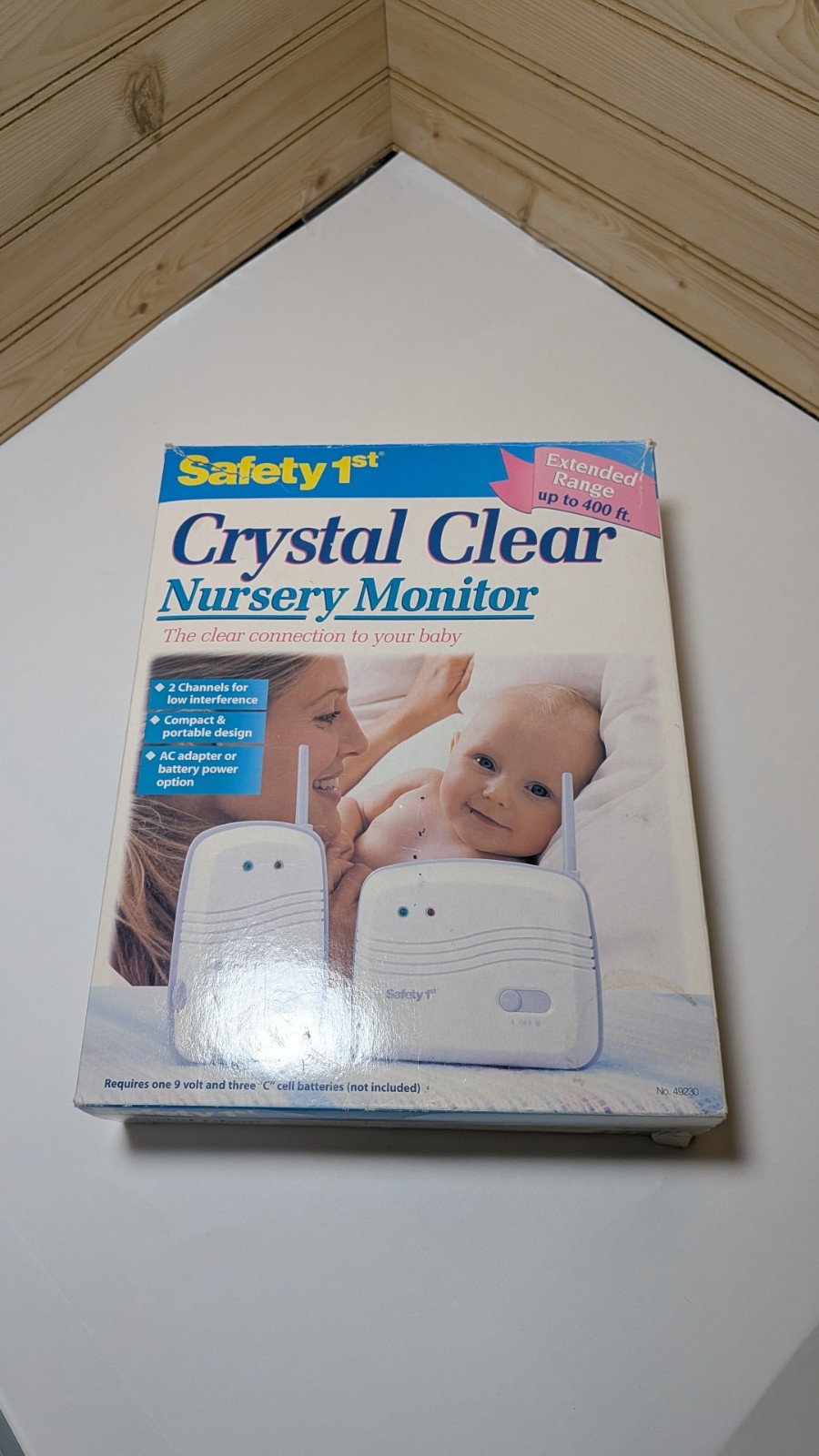 Safety 1st Crystal Clear Nursery Baby Monitor 2 Channel Extended Range Tested$12.50View on eBay
 Safety 1st HD Wi-Fi Baby Monitor Camera with Sound and Movement Detecting MO163$12.72View on eBay
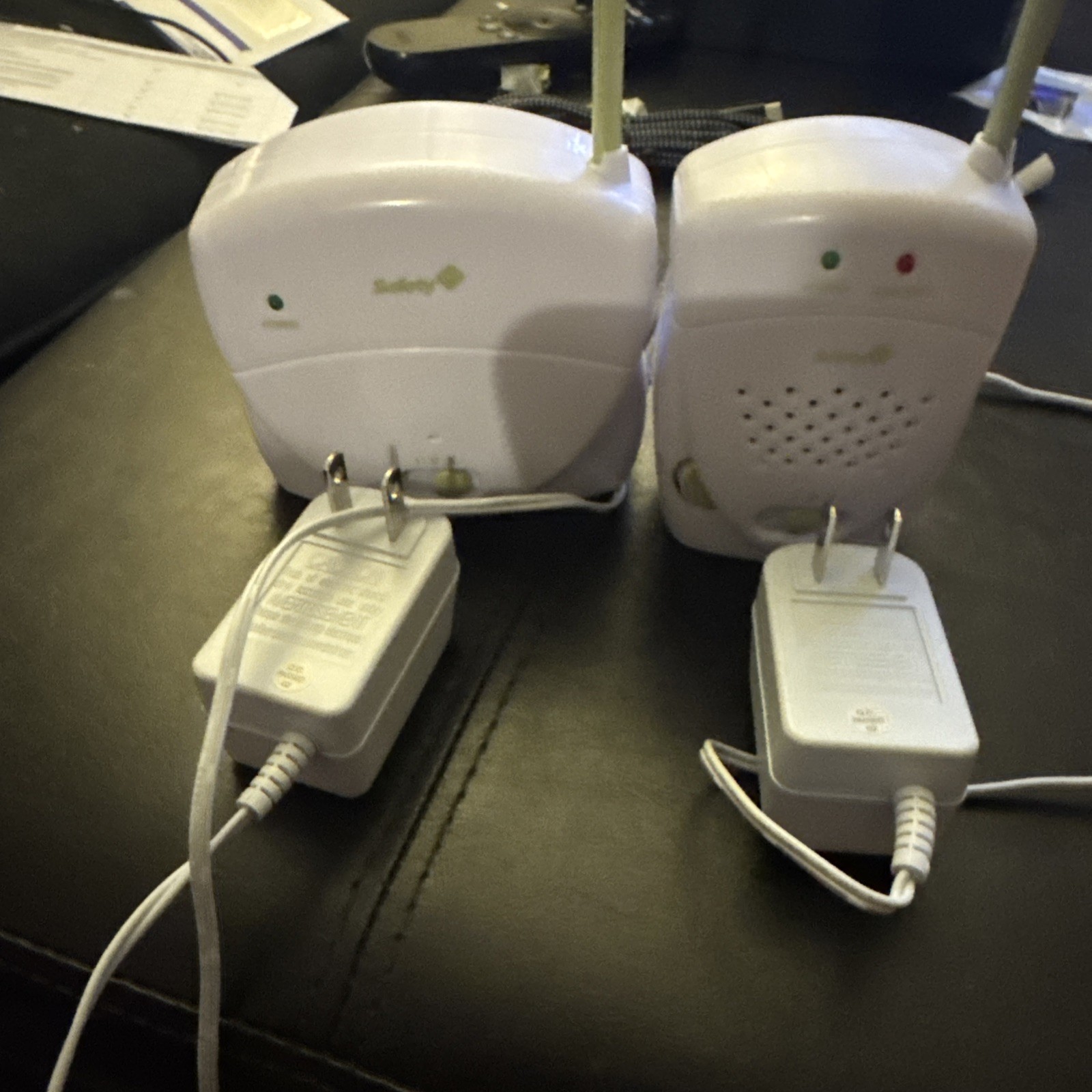 Baby Monitor Safety First Crystal Clear Portable 400 Feet Range Tested$12.99Last checked Nov 20, 2026View on eBay
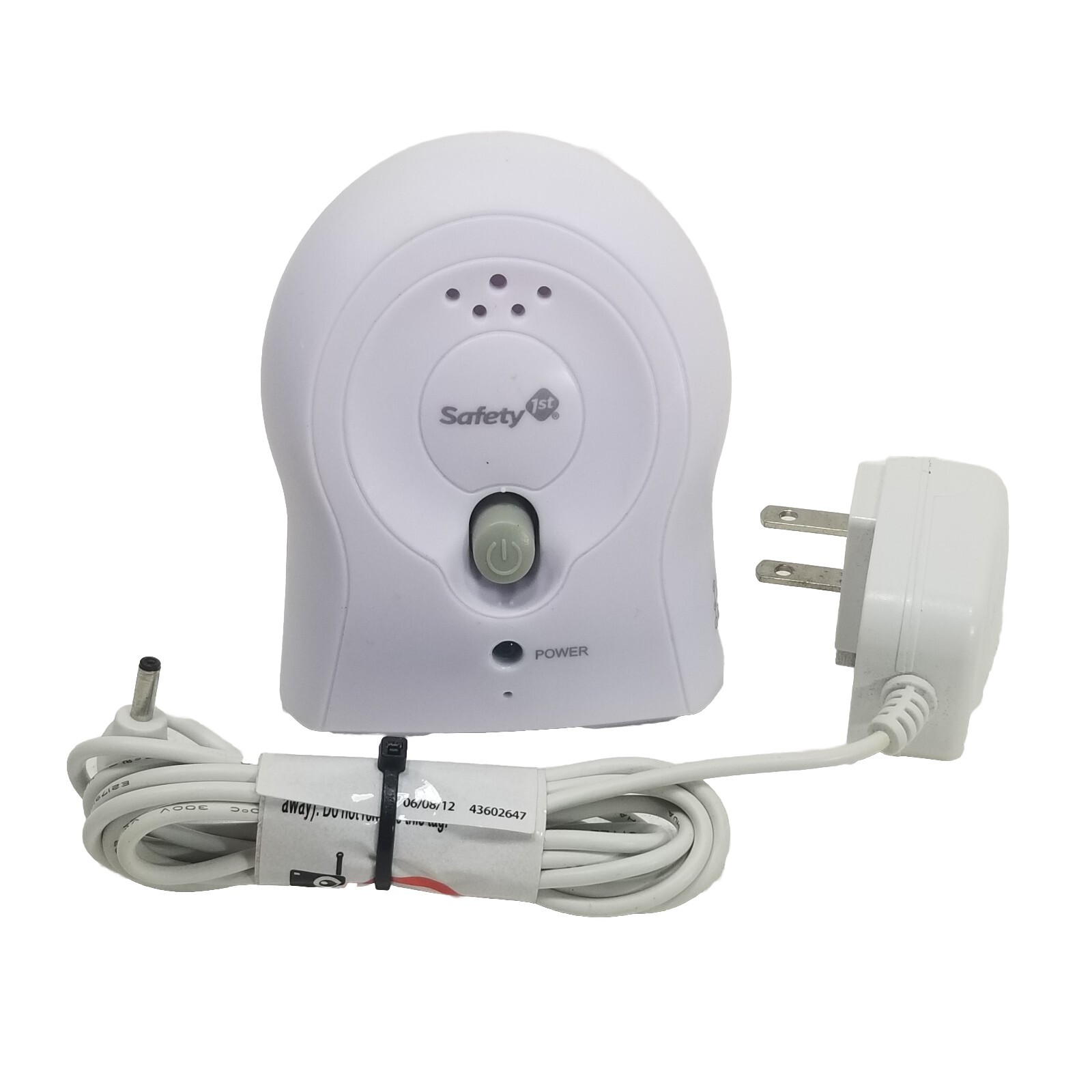 Safety 1ST MO065T Baby Monitor Receiver with Adapter MO066T MO073T MO077T MO096T$13.25Last checked Nov 20, 2026View on eBay
 Safety 1st: Portable Baby Monitor: Walkie Talkie Style- Great Condition$13.82View on eBay
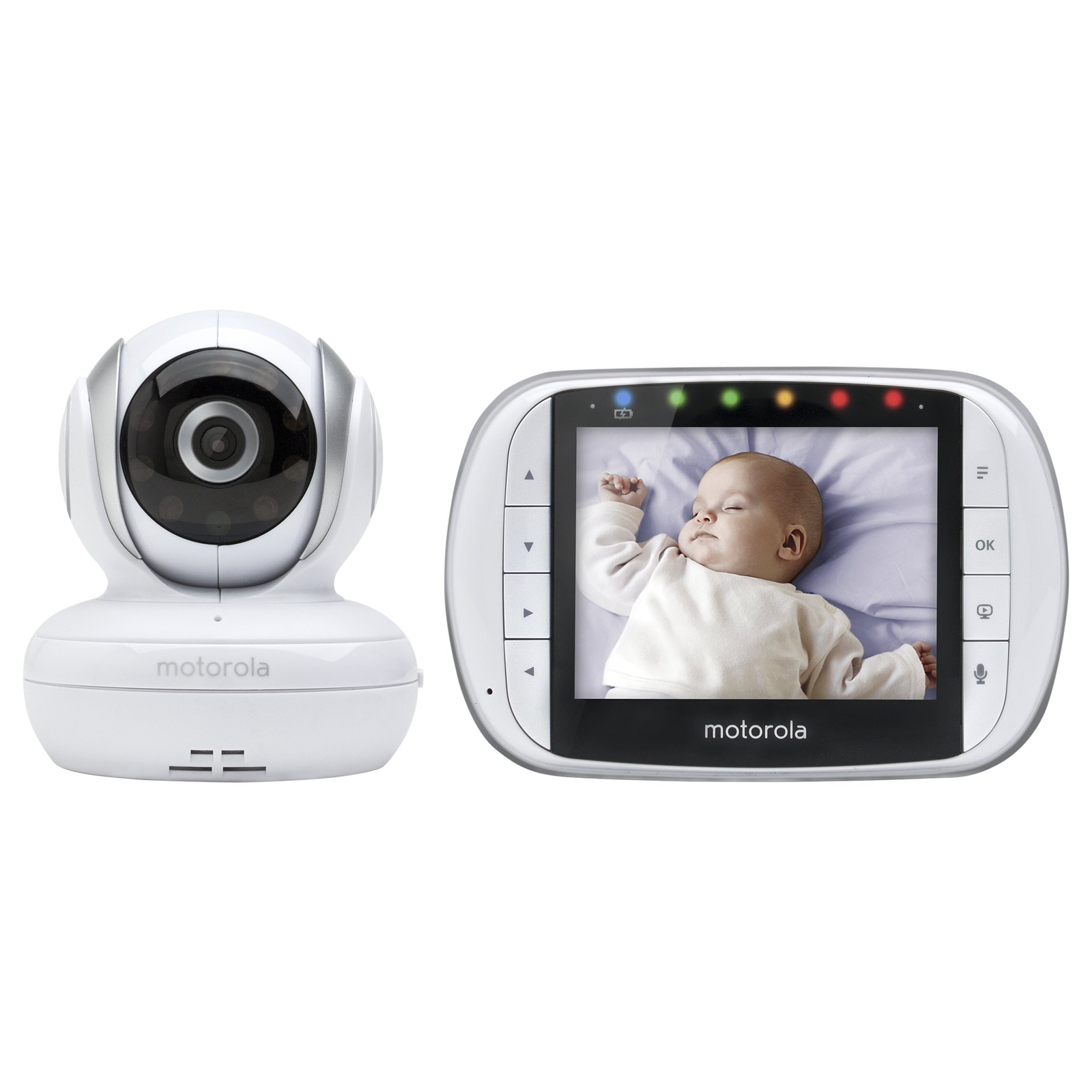 Motorola MBP33XL 3.5" Video Baby Monitor with Digital Zoom Reconditioned$13.99Last checked Nov 18, 2026View on eBay
Highlights
- Dedicated monitors use FHSS or DECT (1.9 GHz) frequency-hopping links with paired units — no router, no account, no subscription, and no cloud video path.
- Wi-Fi monitors stream over 2.4/5 GHz to an app; 1080p is the practical resolution floor and local microSD recording avoids mandatory cloud fees.
- Audio-only units (e.g., Safety 1st Crystal Clear-class) run on AA batteries or AC and are the most outage-proof tier; add a movement/breathing pad for vitals-style alerts.
- Camera tier is defined by pan/tilt range, night-vision IR range (~3–5 m usable), and parent-unit screen size — 5 in. is the comfort floor for overnight viewing.
Best use cases
- Pick a DECT/FHSS dedicated video monitor with a 5 in. parent unit for overnight sleep and apartment use — no internet, no account, lowest latency.
- Pick a Wi-Fi 1080p pan/tilt camera only if you need remote check-ins from work or travel and will enable 2FA and local microSD recording.
- Pick audio-only plus a separate movement/breathing sensor for the lowest-cost, most power-outage-resilient setup; skip it if you need visual confirmation of sleep position.
- Skip hybrid 'smart' units with mandatory cloud subscriptions for a nursery with unreliable internet — a dedicated link keeps working when the router drops.
Buying tips
- Match range to construction: DECT/FHSS dedicated units typically cover a typical home; for thick masonry or multi-floor, choose a unit rated for 300 m+ open-field or add a repeater.
- For Wi-Fi cameras, confirm 2.4 GHz support (not 5 GHz-only) and dual-band router compatibility; 5 GHz-only cameras fail on many legacy routers.
- Size the parent unit to use: 2.4–3.5 in. for pocket carry, 5 in. for nightstand viewing; check that the parent unit has a replaceable battery, not a sealed cell.
- Prefer units with microSD local recording and 2-way talk; avoid cloud-only recording if you want footage without a monthly fee.
Specs
| Link Type | DECT/FHSS dedicated vs Wi-Fi app |
|---|---|
| Video Resolution | 720p minimum / 1080p preferred |
| Parent Screen | 2.4–5 in. (5 in. for overnight) |
| Power/Battery | AC + replaceable Li-ion/AA backup |
Related searches
What to check before buying
- Measure the crib-to-parent-unit distance and count walls/floors; if over ~2 walls or one floor, prioritize DECT/FHSS or a mesh/repeater-capable system.
- Check nursery outlet placement and cable length for the baby unit; wall-mount cameras need a nearby outlet or a long USB power run.
- Confirm your router band: Wi-Fi monitors need a 2.4 GHz SSID; if your router is 5 GHz-only, add a 2.4 GHz access point or choose a dedicated monitor.
- Verify the parent unit battery type and runtime (replaceable AA/AAA or Li-ion) and whether the baby unit supports battery backup for outages.
FAQ
Data sources: eBay / Amazon listings and product attribute feeds. Updated Nov 21, 2026.
Some links on this page are affiliate links. If you buy after clicking one, we may earn a commission at no extra cost to you. This does not change which products appear here or their order. Affiliate disclosure.